The Facebook audio rule: why 44.1 kHz exists in our relay
7cubit Team
More in Engineering
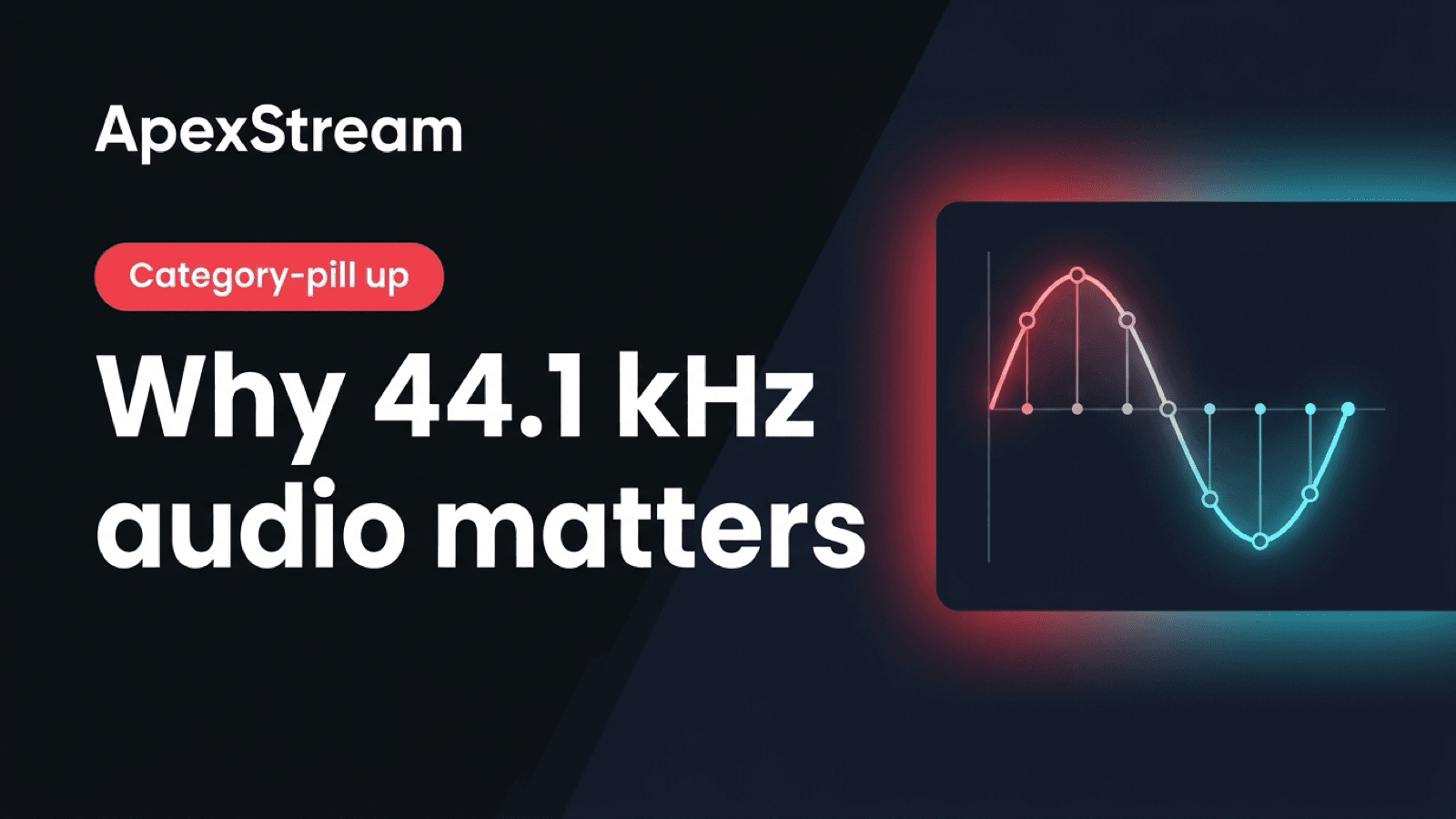
Most of your ApexStream audio can stay at 48 kHz. Web Studio runs its AudioGraph at 48 kHz, and the podcast extraction path writes 48 kHz masters. Facebook Live is the exception: its relay leg resamples audio to 44.1 kHz.
You do not need a separate Facebook encoder profile. Send one coherent source to ApexStream and let the relay use the destination-specific setting. YouTube, Twitch, TikTok, Instagram, X, custom RTMP, and custom SRT keep the default 48 kHz path; Facebook gets 44.1 kHz on its outbound leg.
One source, two audio rates
The relay does not treat every destination as the same FFmpeg template. Its destination profiles include a default audio rate of 48,000 Hz and a Facebook-specific rate of 44,100 Hz. AAC audio is used across the multistream set at a 192k class bitrate.
The reason is practical: 48 kHz audio sent into Facebook has been associated with long-running lives that fail in ways that are difficult to diagnose during a show. Resampling once at the Facebook edge keeps that platform's quirk out of your setup. Video continues through its own destination rules, including Facebook's separate roughly 4 Mbps video ceiling.
Why this is an egress rule, not an encoder rule
Your encoder produces the program that Web Studio or the ingest path can record and pass to several destinations. Changing that source to 44.1 kHz for Facebook would affect the audio that every other destination receives, and it would still leave the relay responsible for the rest of the fan-out. The destination edge is the only place where the exception belongs.
This is also why the setting is not exposed as a correction for a bad source. If your encoder sends a damaged or drifting audio clock, a sample-rate conversion cannot repair the underlying capture. It only makes the accepted source suitable for Facebook's output profile.
Why Web Studio stays at 48 kHz
Keeping the studio at 48 kHz also gives post-production a stable source. The podcast worker does not have to guess whether the live graph used one rate for the host and another for the guests. Only the Facebook egress branch takes the exceptional conversion.
Changing the whole studio to 44.1 kHz would make one destination simpler while making the rest of the audio graph less consistent. Host microphones, guests, music, and sound effects share the browser's 48 kHz clock. The WebRTC uplink expects that rate, and the media worker extracts finished recordings at 48 kHz / 24-bit for Podcast Studio.
It is cleaner to convert once where the exception is required than to make the entire product work around one platform. The conversion belongs at the egress edge, not in every creator's encoder.
What to set in OBS or another encoder
For RTMP, RTMPS, SRT, or WHIP ingest, use 48 kHz stereo unless the encoder requires another setting. SRT and WHIP are available on Creator and above; Free and Hobby use RTMP or RTMPS. Do not change the source to 44.1 kHz just because Facebook is one of the destinations. That would make the source less consistent for the other platforms without removing the need for destination handling.
The same rule applies whether you send to two destinations on Free or up to 50 on Enterprise. Server-side fan-out exists partly to absorb these differences. Free has 2 destinations, Hobby 3, Creator 5, and Scale 8.
Why there is no per-destination sample-rate switch
A per-destination control sounds useful until it becomes a second production checklist: Facebook at 44.1, everything else at 48, and a support ticket when a setting drifts. Locking the profiles makes the behavior repeatable. The relay can own the translation while the creator owns the program feed.
You should not need a sample-rate opinion to multistream. Platforms disagree; the relay handles the split.
Sample rate is one of the invisible translations behind a multistream, along with bitrate caps, portrait conversion, and Free-plan watermarking. The best version of that work is the part you never have to remember on show day.
If you are diagnosing a Facebook problem, separate audio rate from video rate. Facebook's roughly 4 Mbps video ceiling is handled by the outbound video path; the 44.1 kHz rule belongs to audio. Changing one setting should not be used as a guess for the other.
The short version
- Keep the source at 48 kHz for Web Studio, OBS, SRT, or WHIP.
- Let ApexStream resample only the Facebook outbound leg to 44.1 kHz.
- Treat Facebook's audio rate and its video bitrate ceiling as two separate checks.
- Do not change every destination's source profile to solve one platform's requirement.