Freesound licensing: the fine print every podcaster should read
7cubit Team
More in Podcasting
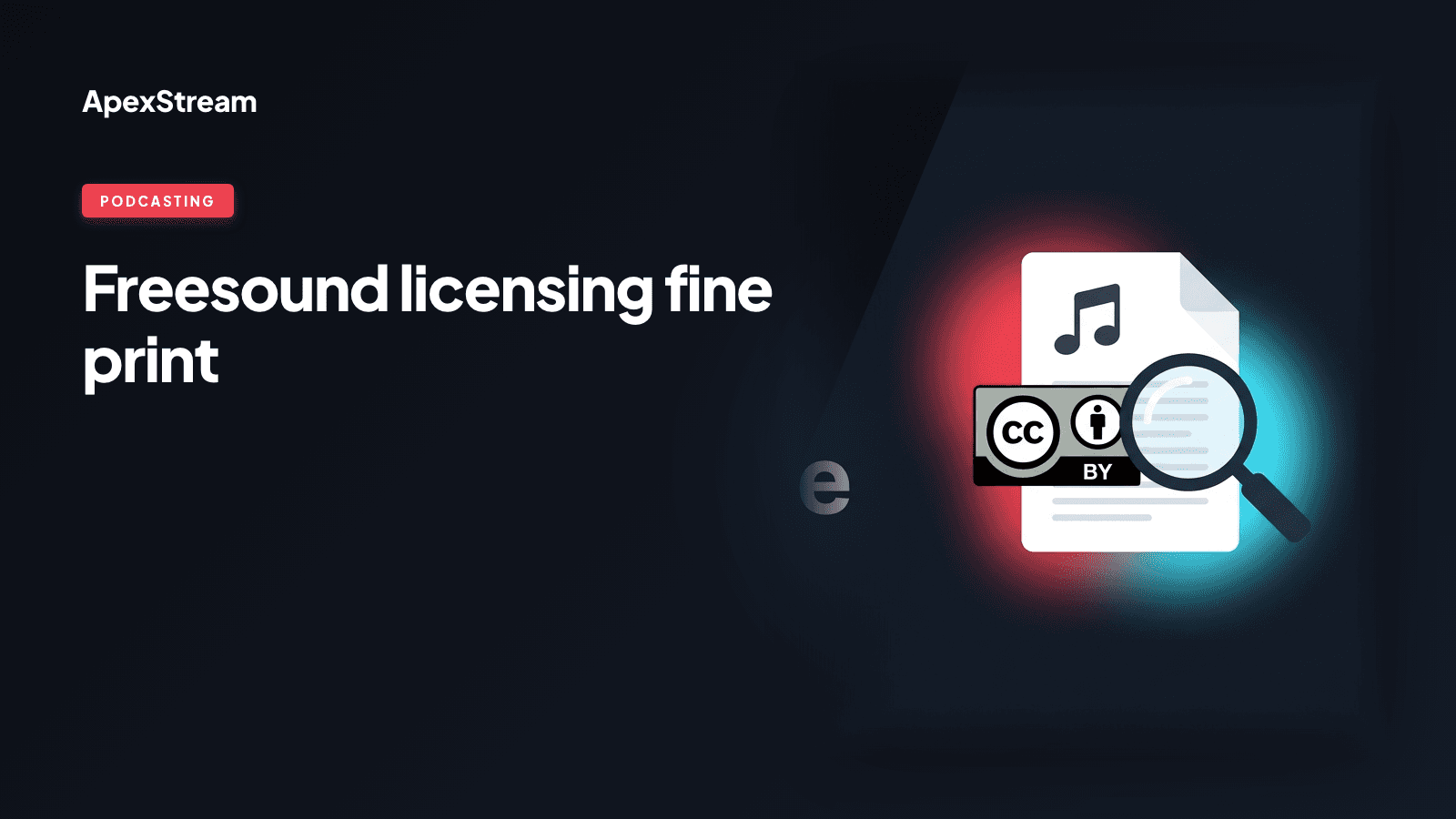
Adding a sound effect or music bed in Podcast Studio is quick. Checking whether you can publish that sound in a monetized episode takes a little longer, and it is the step worth keeping. The built-in library is powered by Freesound, a collaborative collection whose tracks do not all carry the same permission.
Freesound is not a synonym for “royalty-free” or “copyright-free.” Every sound has a licence chosen by its creator. Read that licence before the sound becomes part of a show, a stream, or an AI Clip you plan to post.
Three licences you may encounter
- CC0: the creator has dedicated the work to the public domain. The source describes this as permitting use, modification, and monetization without asking permission or giving credit, but still check the individual track details before relying on it.
- CC-BY: you can use and monetize the track when you provide appropriate attribution. In practice, that usually means naming the creator and linking to the Freesound profile or track in your show notes or video description.
- CC-BY-NC: attribution is required and the material is for non-commercial use. A sponsored podcast, monetized channel, or paywalled program is not a safe fit for this licence without additional permission.
The exact terms belong to the track. Do not assume that two sounds found in the same search have the same permissions.
Check before you fall in love with the sound
Open the track details in the library and record the licence information before you place the sound in the timeline. If attribution is required, copy the creator details into the episode description or the video description while you still remember where the sound came from.
Do the same for AI Clips. Exporting an MP4 does not change the licence on an underlying music bed or sound effect. If the clip will be posted to a platform, the platform’s automated checks may see the audio even when the source was selected inside an editor.
Commercial use deserves a separate check
Ask how the finished piece will be used: personal experiment, monetized channel, sponsor-supported show, client work, or paid library. A CC-BY-NC track may be fine for one of those situations and unsuitable for another. If the licence is unclear, choose a different sound or get permission from the creator before publishing.
This is not about making the library difficult to use. It is about keeping a convenient editing workflow from being mistaken for a blanket rights grant. The library is available inside ApexStream, but you remain responsible for using each track within its terms.
A quick pre-publish checklist
- Open the track details and identify the specific licence.
- Confirm that the licence matches the way you will distribute and monetize the work.
- Save the creator and track information if attribution is required.
- Add that credit to the show notes or post description.
- Replace the sound if the permission does not fit the episode.
A library can make a sound easy to find. It cannot make every licence identical.
Check the fine print before you publish, especially when a show has sponsors or a clip is headed to several platforms. A thirty-second licence check is cheaper than fixing a rights problem after an episode is live.