How guest invite links actually work
7cubit Team
More in Engineering
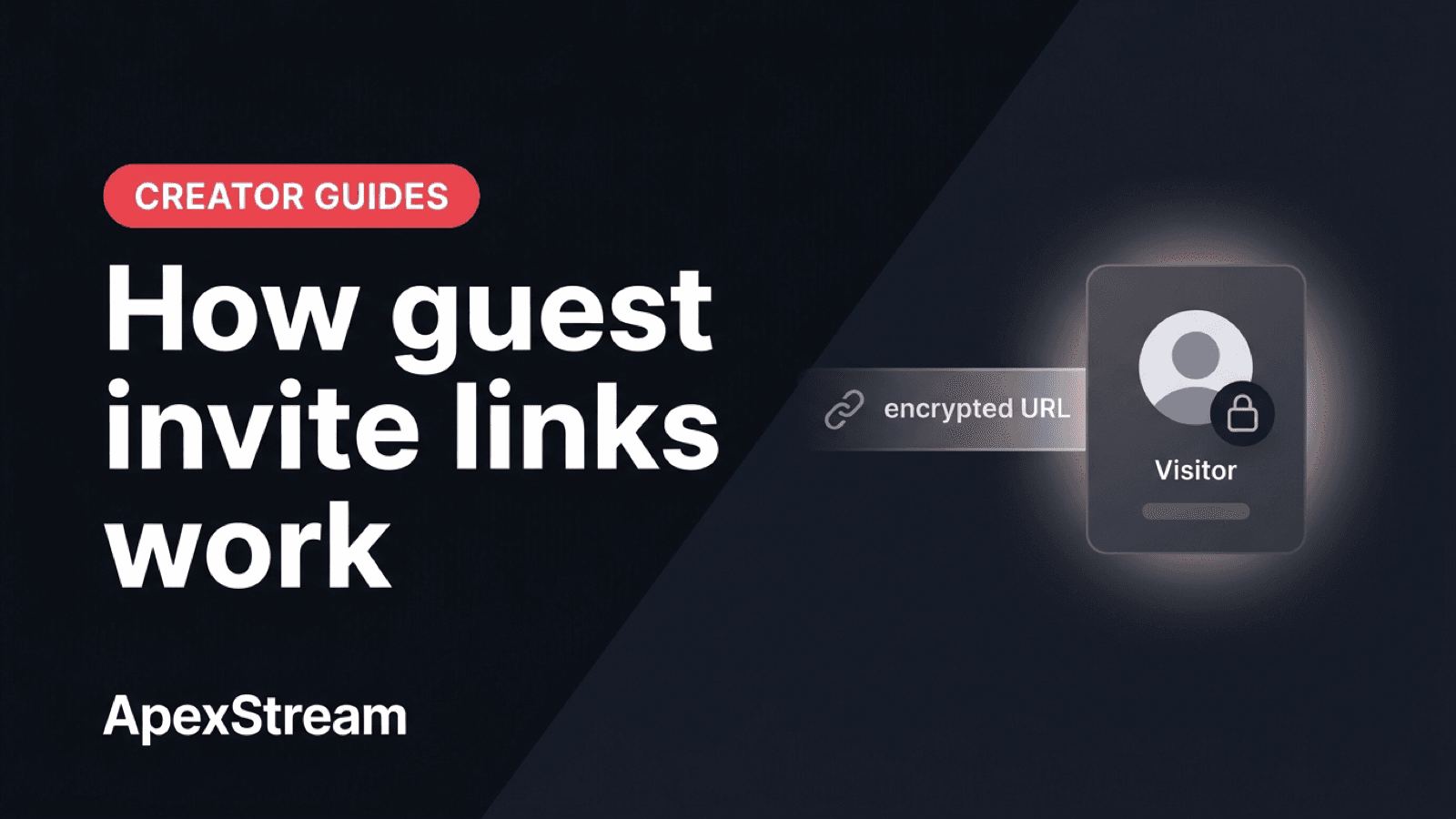
A Web Studio guest can join your session without creating an ApexStream account. They open a link, pass pre-flight, and wait in the room until you bring them on screen. The simple guest experience depends on a short-lived signed token behind the link.
The important operational detail is that this is a show credential, not a permanent staff identity. It lasts 24 hours, is scoped to the studio session, and does not increase your guest limit.
The 24-hour signed token
When the host creates an invite, the API issues a signed JWT carrying the studio context the guest needs. Its lifetime is 24 hours. After that, token verification fails and the host needs to create a new invite for the rescheduled or later show.
The window is long enough to send a link the day before and short enough that a link copied into a public chat does not become a permanent backstage pass. Guest capacity remains plan-scoped: Free allows 5 simultaneous guests; paid plans from Hobby through Enterprise allow 10.
Why the shared URL is short
Raw JWTs are awkward to send by text or read over the phone. ApexStream stores the token in Redis behind a short base64url code. The code resolves to the token, and the token is then verified before the guest joins.
The code and its grant metadata use the same 24-hour expiry. Redis is shared across gateway instances, so a process restart does not invalidate every active invite just because one server disappeared. If the short code is gone, the link no longer resolves.
Access records can also track the guest grant so the join path is not just an anonymous shared string. The gateway checks that the invite is still active before completing the room join.
For the host, the practical rule is simple: make the invite close to the production it belongs to, and treat a rescheduled show as a new invitation. A link can be forwarded inside that 24-hour window, so the security model is time and room membership rather than a claim that the URL can never be shared.
Why there is no promise of instant link revocation
A bearer token is valid until it expires unless the system maintains a denylist and checks it on every step. That is a different control model from a temporary broadcast invite. Web Studio uses the 24-hour lifetime and live room controls rather than presenting the link as an account-management system.
- For a new show: create a new invite instead of reusing last month's URL.
- For a guest who should leave now: remove them from the active room.
- For a kicked guest: use the room's ban path when available so the same invite cannot immediately rejoin.
- For an expired invite: send a fresh link from the host.
If your team needs SSO, standing workspaces, and seat-level revocation, that is a different product requirement. The Web Studio invite is designed around a temporary production room.
The short code is also useful for support and operations. The URL a guest shares does not expose a long JWT in a text message, while the gateway can resolve the code consistently across multiple instances. That keeps the link format short without treating the short code itself as a permanent identity.
What the guest goes through
The flow is: open the link, resolve the short code, verify the token, choose a camera and microphone, pass pre-flight, and join the green room. The guest uses a browser rather than a separate mobile guest app. Headphones are still a good idea. Guest capture uses echo cancellation and guest-side noise suppression before the audio reaches the mesh.
The invite does not bypass production hygiene. The host path still uses RNNoise and keeps browser DSP off, while the guest should check the room, mic, and camera before being brought on air.
A guest link is a 24-hour backstage pass. Use it for the show clock, and use room controls for what happens during the live session.
Send the link close enough to the show that the guest can find it, leave time for pre-flight, and create a new one whenever the production changes. The authentication should stay simple so the conversation gets the attention.
Frequently asked questions
Does a guest need an ApexStream account?
No software installation is required. The guest joins the signed session invite in a modern browser and completes the camera and microphone checks before entering the studio.
What if the invite has expired?
Create a fresh invite for the session and send that link. Do not ask the guest to keep retrying an old signed URL.