The life of a recording: Recording, Stitching…, Encoding…, Uploading…, Ready
7cubit Team
More in Engineering
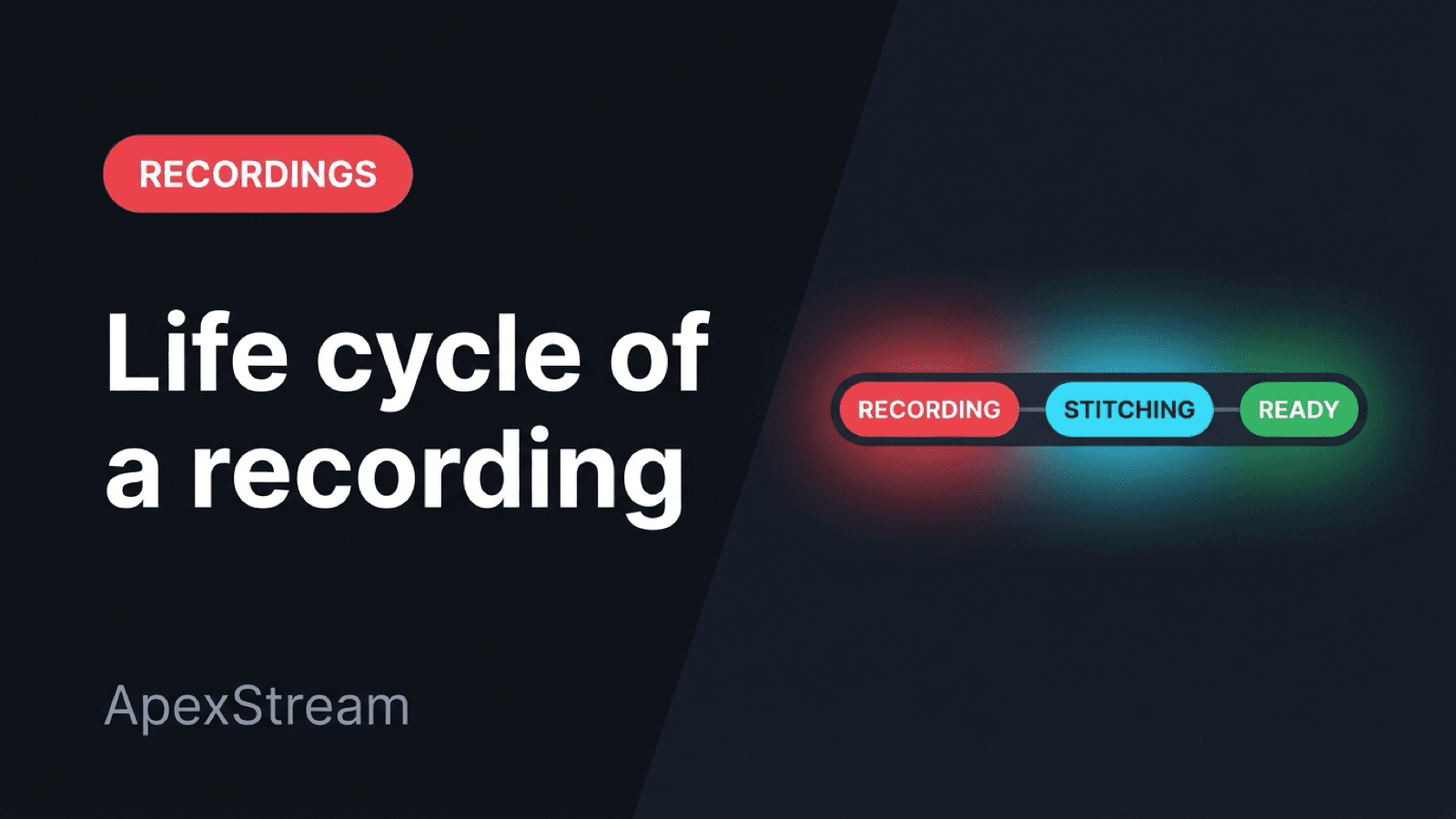
The status badge in Media Library tells you which part of the recording pipeline currently owns the file. A show can stop being live while its recording is still being assembled or uploaded. Reading the badge as a stage makes it easier to know whether to wait, retry, or investigate.
Recording: capture is still active
During a live show, the media is still being captured. Encoder sessions from OBS, Streamlabs, vMix, or another tool record against the ingest path. Web Studio cloud recording takes short chunks of the composited canvas and master audio and uploads them as the show runs instead of holding one huge browser blob until the end.
Cloud recording starts on Hobby; Free cannot record. Local Web Studio recording is available on Creator and above, and ISO guest tracks are a Scale and Enterprise capability. Stream-length limits still apply: Free 2 hours, Hobby 6, Creator 8, Scale 10, and Enterprise 24.
If an encoder disconnects without an explicit stop, the recorder can still be in the Recording state while it waits through the 120-second reconnect grace. The system is deciding whether the session is over.
Stitching: fragments become one timeline
After capture ends, the pipeline has to turn chunks or reconnect segments into one MP4. Encoder-path segments are concatenated with FFmpeg. Web Studio chunks go through the studio chunk stitcher, which reports a STITCHING state to the dashboard and studio.
Short unusable segments are filtered out. If the merge fails, the recording becomes failed with a reason instead of being labelled Ready while hiding a partial file. A library refresh immediately after sign-off can still show this state because the live path ended before the durable object was finished.
Encoding or Processing: work after the live edge
Some recordings need post-capture processing for container normalization, audio work, or worker jobs that produce the library master. Internal events may call this PROCESSING while the interface says Encoding. In both cases, the live media is no longer arriving; a worker is working on the finished file.
This is also the point that makes later workflows possible. Podcast Studio can turn a completed stream recording into a draft on Hobby and above, but it needs a coherent master rather than an open set of chunks.
Uploading: moving the durable copy
Do not interpret a slow upload as a second live session. The stream has already ended; the worker is moving the completed object to the storage location used for signed playback URLs and retention.
The completed asset is uploaded to object storage, including R2. When the worker can report progress, the badge can show upload progress. A long, high-bitrate show produces a large file, so this step can outlast the stream itself.
Storage limits are part of this stage: Free 5 GB, Hobby 25 GB, Creator 100 GB, Scale 500 GB, and Enterprise 10 TB. Retention is 7 days on Free, 15 on Hobby and Creator, 30 on Scale, and 365 on Enterprise. Uploading does not bypass either limit.
Ready: the master is available
Ready means the library row has a playable URL and the pipeline considers the master complete. You can download it, use Podcast Studio on Hobby and above, or use AI Clips on Creator and above. Creator includes 3 clips per stream; Scale and Enterprise are unlimited for that feature, with MP4 downloads rather than direct social publishing.
Ready does not mean the file has been pre-made for every future use. It means the master exists in durable storage rather than only on a media node's temporary disk.
Failed: a real state, not a vague spinner
Stitch errors, upload errors, and worker exceptions can produce Failed with the detail available from the failing stage. Transient upload problems may have retry paths. A corrupt or empty segment set should stay failed rather than create a file that cannot be trusted.
The badges mark the boundaries: capture, assemble, process, persist, serve. When one stalls, ask which boundary owns the work.
Recording is live capture. Stitching is assembly. Encoding is post-capture processing. Uploading is durable storage. Ready is the handoff to playback and editing. Those labels are the pipeline speaking plainly.
Quick status check
- Recording means capture is still active or waiting through reconnect grace.
- Stitching means chunks or reconnect segments are being assembled.
- Encoding and Uploading are post-show work; the live broadcast has already ended.
- Ready means the master is available for playback, download, Podcast Studio, or AI Clips where the plan allows it.
Status badge guide
| Badge | What is happening | What you should do |
|---|---|---|
| Recording | Capture is active or waiting through reconnect grace | Let the session finish or reconnect |
| Stitching | Chunks are becoming one timeline | Wait; refresh only to check progress |
| Encoding / Uploading | The finished file is being processed or stored | Wait for the durable copy |
| Ready | The master is playable and available | Download, edit, clip, or bridge it |
| Failed | A pipeline step needs attention | Read the failure detail and retry or investigate |