One chat panel, three platforms, full replies
7cubit Team
More in News
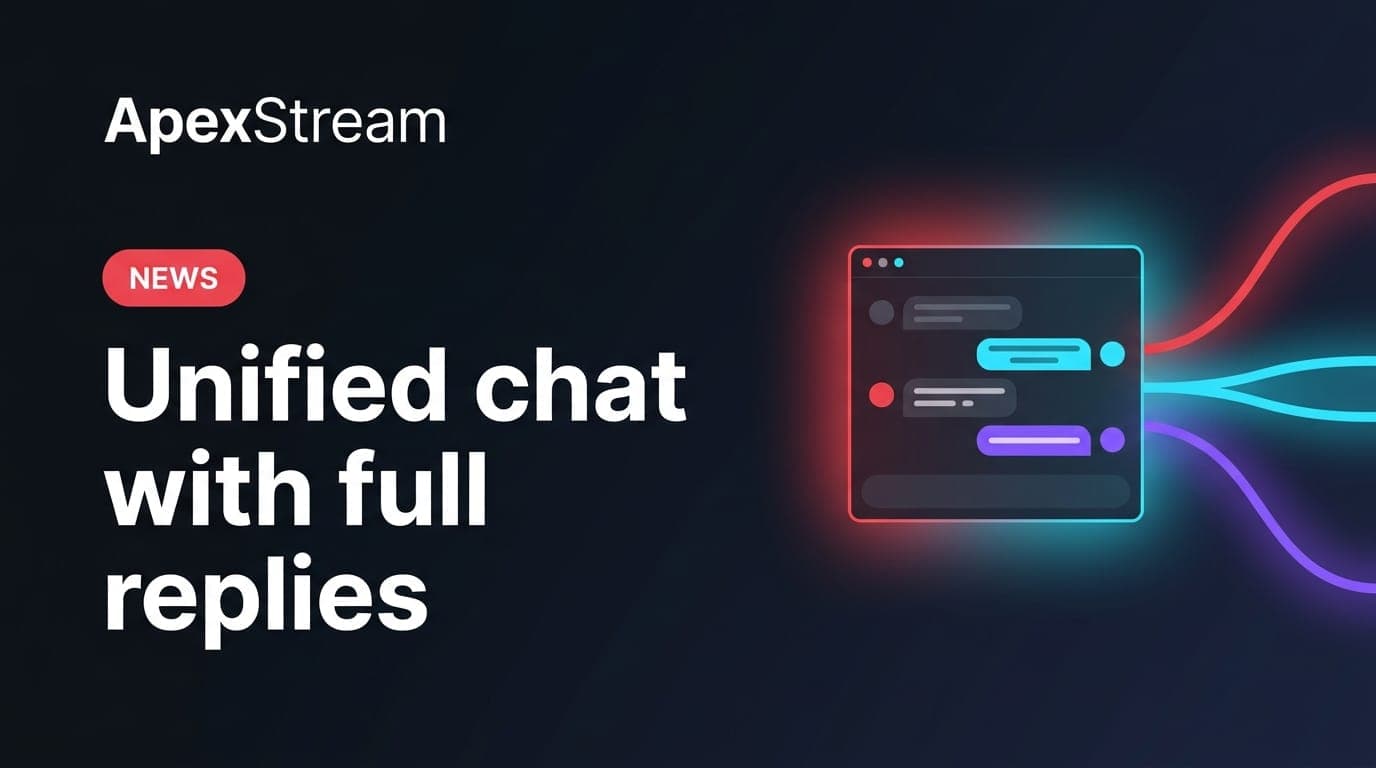
Multistreaming creates three conversations at once. A question can arrive on YouTube, a reaction can appear on Facebook, and Twitch viewers can be talking about the same moment with different context. Keeping three browser tabs open makes it easy to miss a message or answer only one room.
Unified Chat in Web Studio brings those feeds into one panel on Hobby and above. The useful difference is that the panel is not read-only: it can dispatch a reply back to the connected chats.
See the rooms together
Connect your destinations and Unified Chat combines messages from YouTube, Facebook, and Twitch in a chronological feed. Platform badges and colors show where each message came from. Facebook support covers Profiles and Pages, not Groups because of platform API restrictions.
The point is not to make the rooms identical. It is to give the host one place to notice the question, then keep the origin visible while deciding how to respond.
Set it up before the countdown
Connect the destinations and inspect the panel before the audience arrives. Confirm that each room is represented and that the account shown for a reply is the one the team intends to use. A producer can also decide which messages deserve a spoken answer and which deserve a written reply, so the host is not trying to moderate three feeds while introducing the next segment.
Keep a short set of reusable answers nearby for information that is genuinely shared, such as where to find the schedule or how to submit a question. Use those as starting points, not as a reason to send the same sentence to every audience when their questions are different.
Reply from the panel
When you type a reply in the Unified Chat box, ApexStream dispatches it to the connected YouTube, Facebook, and Twitch destinations. A message such as “Thanks for watching” appears in the native chat or comment area under the connected account.
That is useful for a greeting, a link, or a short answer that should reach every room. It also changes the moderation responsibility: a reply sent globally is public in all three places, so read it as a cross-platform message before pressing send.
When one reply is not the right reply
Different rooms have different questions and cultures. A Twitch-specific emote reference may not help a Facebook viewer. A product detail may need a longer answer than a broadcast-wide greeting. Use the unified panel to see the context, but do not assume every response belongs on every platform.
If a message contains a question only one community can answer, respond with the relevant destination in mind. The value of a single panel is reduced if every audience receives generic copy.
A practical live rhythm
- Scan the feed between segments instead of trying to read every message while speaking.
- Notice the platform badge before you answer.
- Use a global reply for information everyone needs.
- Keep a platform-specific question in context when a broadcast-wide response would confuse the other rooms.
For Live Commerce in Web Studio, this view can help when viewers ask about product details. A clear answer dispatched to all connected rooms can prevent one platform from hearing information that the others never receive. It still deserves a quick accuracy check before sending.
A unified panel reduces tab switching. It does not remove the need to listen to each audience.
Use Unified Chat when the cost of missing a room is higher than the cost of keeping one more panel open. The best result is not maximum message volume. It is a host who can stay present on camera and still answer people where they are watching.