Podcasting 2.0 chapters: the tiny feature that changes listening
7cubit Team
More in Industry Insights
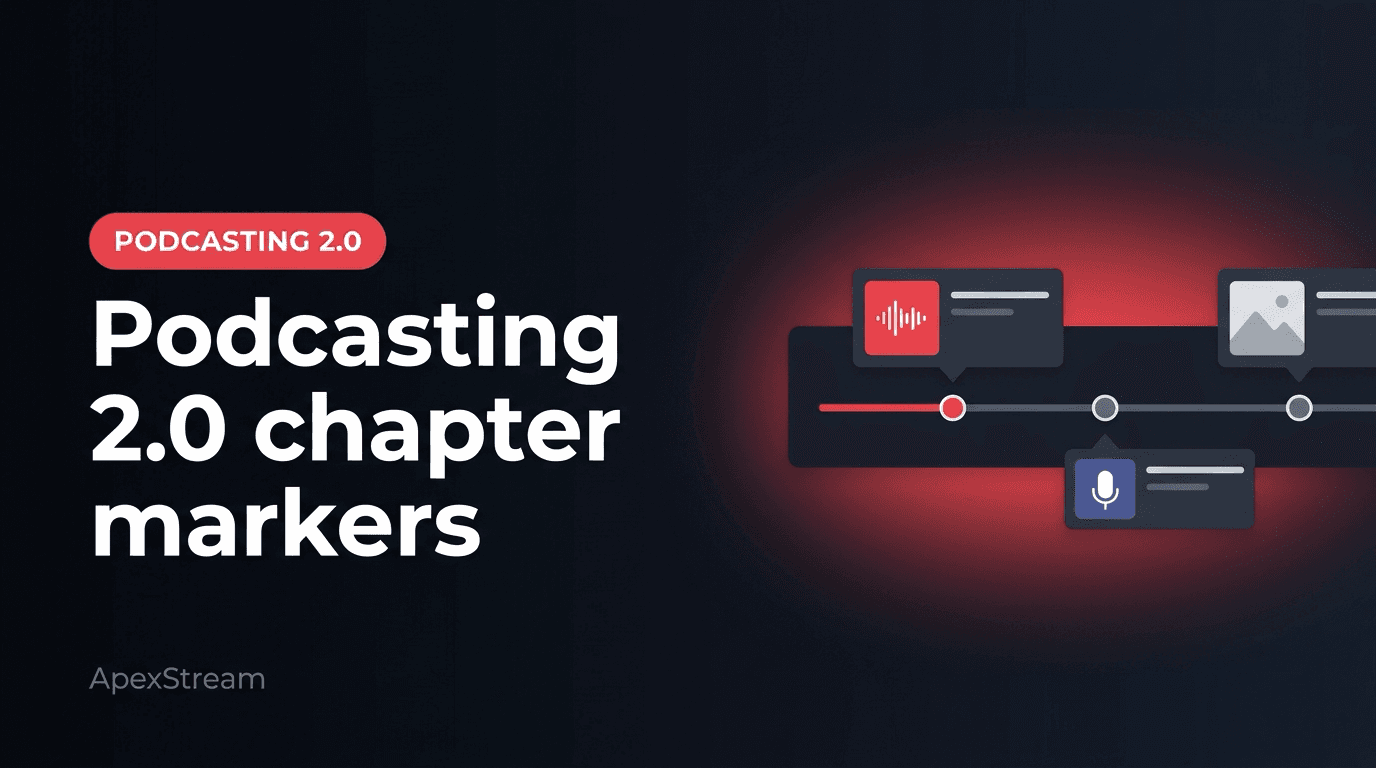
A chapter marker is small in the editor and useful in the listener’s hands. It tells someone where the pricing answer begins, where the guest joins, or where the practical example starts without making them drag a finger across a one-hour timeline.
For episodes longer than about 20 minutes, chapters are a navigation decision. They give the listener permission to skip the part they do not need and a reason to return for the part they do.
What chapters change
Without chapters, a 55-minute interview is one long track. Skip controls are rough, and dragging to “the section about onboarding” is guesswork. With chapters, the episode has named doors. A new listener can sample the useful section. A regular can return to a technical explanation. A listener who skips the intro can still get value without abandoning the episode.
Chapters do not guarantee that an episode will be completed in a straight line. They make it easier for the episode to be used, which is a better goal for many long conversations.
Mark the places the listener needs
Different shows need different maps:
- Interviews: guest entry, topic changes, demonstrations, and the closing question.
- Teaching episodes: each concept, exercise, or worked example.
- Live-to-podcast episodes: the end of the countdown, the guest join, the main segments, audience questions, and the wrap.
Do not create a new chapter for every minor turn. Five to eight useful chapters often cover a 40–70 minute show. Too many tiny labels make the map harder to scan.
Manual chapters and AI drafts
Podcast Studio supports manual chapters on the Podcast Studio plans, including Hobby and above. Manual work is often the best choice when the show has a clear producer who knows what a listener will want to find.
Creator and higher plans can use AI chapter drafts as a starting point. Let the system suggest boundaries, then rewrite the labels. “Segment 2” is not a useful title. “Why the free tier still carries a watermark” tells the listener what they will get.
Click-a-word seeking in the transcript editor can make manual marking faster. Find the sentence where the topic turns, place the marker, and write a title that makes sense without the rest of the transcript beside it.
Chapters are part of distribution
Chapter data helps after the episode is published, so the feed and enclosure still need to be valid. A chapter list on an unpublished draft cannot help a listener. Publish the finished episode through the normal RSS workflow, then check how the destination app displays the markers.
Chapters also improve promotion. A newsletter can point to a specific section. A vertical AI Clip can lead to the chapter where the full explanation lives. A show note can give people several entry points instead of one undifferentiated Play button.
Do not confuse a map with an edit
Chapters make a long episode easier to navigate; they do not make the audio easier to hear. Filler-word removal, silence shortening, and Studio Sound are separate Podcast Studio decisions. A well-labeled ramble is still a ramble.
Use the chapter pass to notice that problem. If one section needs a large warning label to make sense, it may need editing rather than a more clever title.
A minimum chapter pass for a weekly show
- Give the real opening a name, or leave pure theme music unlabeled.
- Mark where the main promise begins.
- Add one marker for each major guest or topic turn.
- Mark an ad or sponsor read if listeners will want to skip it.
- Label the closing takeaway, resource list, or next step.
Chapters are how long audio respects the listener’s time. Mark the doors, title them clearly, and treat AI suggestions as a first pass.
The feature is easy to overlook because it does not change the recording itself. It changes whether a listener can find the part worth hearing.