Replying to YouTube, Facebook, and Twitch from one box
7cubit Team
More in Creator Guides
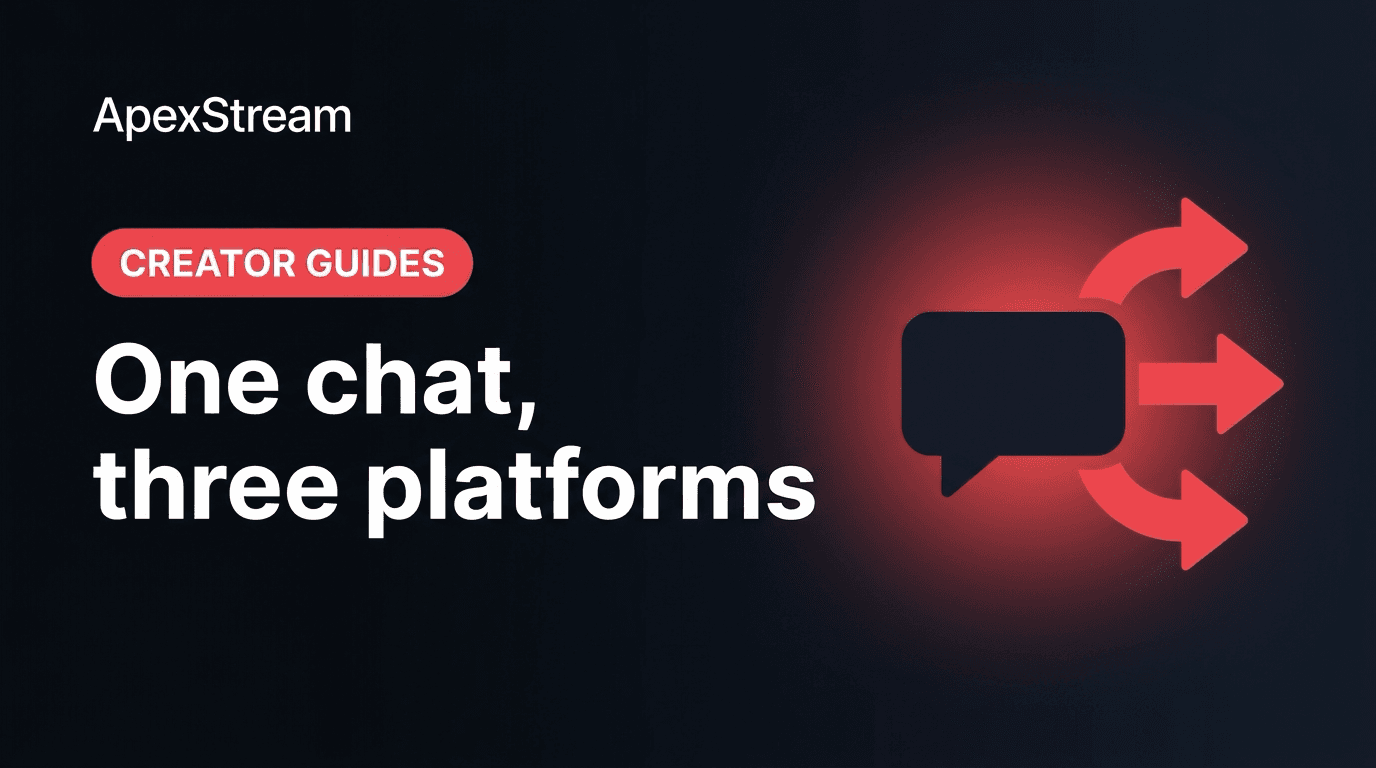
Reading three chats in one place is helpful; replying without opening three more tabs is better. Web Studio’s reply-out workflow lets you send a message to the connected YouTube, Facebook, and Twitch chats from the unified chat area. The time saved is useful, but the real challenge is deciding when one message belongs everywhere and when it should stay on one platform.
What reply-out is for
On Hobby and above, the unified chat panel brings supported messages into Web Studio. The reply box lets you type a response and send it to all active connected chats, or target a specific destination when the answer is platform-specific.
Use written replies for information that is awkward to say aloud:
- a resource link or coupon code;
- a product specification or short set of steps;
- the spelling of a name, title, or command;
- a follow-up answer while the host is still presenting.
The reply box should support the show, not turn the host into a typist. If an answer needs context or emotion, say it on mic and use chat for the details people need to copy.
Decide between a global and targeted reply
A global reply makes sense when all viewers benefit from the same information: “The resource we mentioned is in the description” or “We’ll take questions after this demo.” Keep the wording platform-neutral so it does not sound strange to someone watching elsewhere.
Choose a targeted reply when the question depends on the destination. A Twitch-specific command, a Facebook Page detail, or an answer to a message that only makes sense in one community should stay there. Check the destination selector before pressing send.
Keep cross-posting readable
- Give context: start with what the message refers to, especially if people joined late.
- Send once: repeat a link only when the show has moved to a new segment or viewers genuinely need it again.
- Write for chat: use short sentences, clear links, and no unexplained internal shorthand.
- Respect the room: Twitch, YouTube, and Facebook communities may have different pacing and expectations.
One central send button makes repetition easy, which is exactly why it needs restraint. A message every few minutes can feel like a wall of automated promotion even when the content is legitimate.
Split the work during a team show
On a co-hosted broadcast, a producer can watch unified chat and write replies while the primary host stays on camera. Agree on what the producer can answer alone, what needs a host response, and when a message should be sent to one platform rather than all three.
If you are working alone, set a simple rule: answer urgent or useful logistics in chat, then return your eyes to the show. Do not pause a strong explanation to respond to every greeting.
A final check before sending
Read the message as if you are a viewer who has not heard the last minute of audio. Is the platform clear? Is the link correct? Does the reply need to go everywhere? Is it short enough for a live chat?
Reply-out is most useful when it reduces friction without making every channel sound identical. Use one box for speed, targeted routing for context, and a light touch so the conversation still feels like a live exchange.
For important links, send the message once, then say on mic that it is available in chat. That covers viewers who hear the instruction later and viewers who prefer to copy the written version. If a platform blocks or formats the link differently, answer the affected viewer in that destination rather than reposting the same message everywhere.
Keep a small set of prepared replies for recurring logistics, but edit the opening line so each message still matches the moment. A saved phrase is useful; a repeated sales block is not.
The goal is consistency without making the audience feel automated.
That distinction matters during a live show.