Spotify first, Apple second: a realistic distribution order
7cubit Team
More in Podcasting
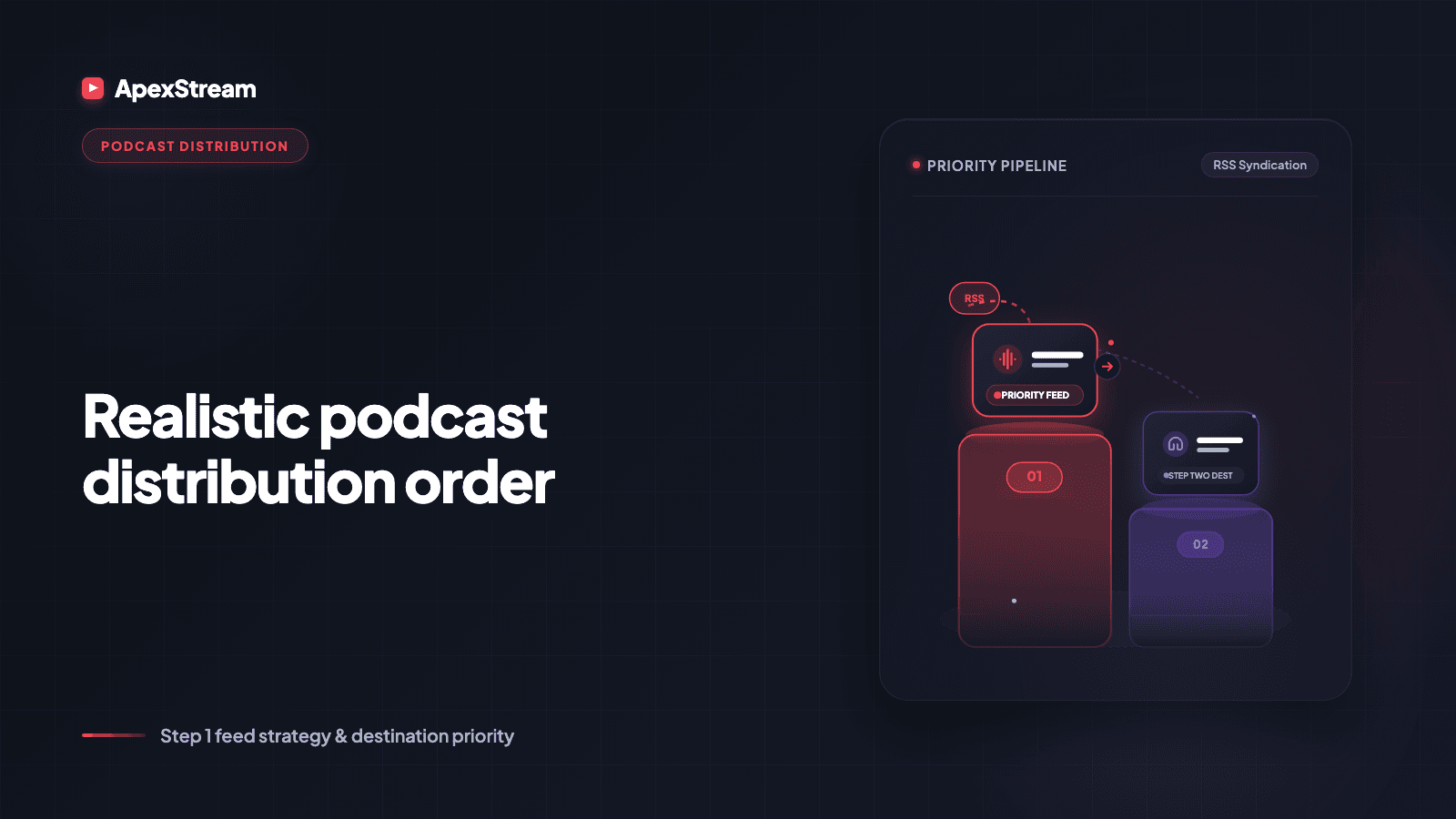
Launching on every podcast directory in one afternoon sounds tidy until you are switching between forms, accounts, and validation messages instead of finishing the second episode. For most ApexStream shows, the lower-friction order is Spotify first, then Apple once the feed is ready for a separate submission.
This is an operational order, not a judgment about which platform matters more. Podcast Studio gives the two platforms different paths because the platforms require different work.
Connect Spotify once
In Podcast Studio, open Distribution and find the Spotify card for the show under Platform Connections. Click Reconnect Spotify—even on a first connection, that label starts the flow—complete Spotify’s sign-in and permissions, and return to a card that shows Synced.
Connections are per show, so repeat the setup for each show you run. After the connection is active, publish from the episode’s Publish Episode page with Publish Now. Spotify syncs in the background, and the card’s Last sync date shows the handoff. There is no separate upload ritual for every episode.
Apple stays self-serve
Apple Podcasts requires a manual submission through Apple Podcasts Connect. Before you paste the feed there, make sure at least one episode is published, run Pre-flight Check on the Apple Podcasts card under Distribution, fix anything it reports, and copy the RSS URL from Podcast Studio.
Then sign in at podcastsconnect.apple.com, add the show with the RSS feed, and follow Apple’s submission and review steps. After approval, new episodes flow through the feed. You can paste the public Apple Podcasts URL back into Podcast Studio so the show’s connection can be marked active.
Podcast Studio can check readiness. It cannot remove Apple’s account, catalogue, or review requirements. That is why the manual step is the honest path.
Why the sequence saves effort
Spotify first gives you a small end-to-end rehearsal: create the show, finish a draft, publish, and confirm a sync timestamp. You learn whether the feed and episode metadata are ready before adding a separate directory review to the day.
Apple second means you can approach Podcasts Connect with a public episode, cover art, a category, and a show identity that has already been completed. Submitting a nearly empty feed only creates avoidable friction.
What should be ready before either
Create the Show with a real title, description, category, language, explicit flag, and cover art. Publish at least one episode you are willing to represent the series. Confirm that the RSS URL appears under Distribution.
If the episode came from a Web Studio recording bridge, finish the edit first. A connected destination does not improve a thin episode. Distribution carries what you publish; it does not fill in missing editorial work.
After launch, return to one publishing habit
Once Spotify is connected and Apple has approved the feed, the weekly action is publishing the finished episode in Podcast Studio. Spotify syncs from that publish. Apple’s catalogue reads the feed for an approved show. Your attention can go back to titles, chapters, and the quality of the cut.
If an episode is missing, check in layers: is it published, does it appear in the feed, is Spotify still Synced, and has Apple approved the show? That sequence is more useful than reconnecting every platform at random.
Use the low-friction connection first, complete the manual catalogue step second, and keep publishing as the weekly source of truth.
Spotify first, Apple second matches the actual workflow: automatic where the platform permits it, guided and self-serve where a human is still required at the gate.
Distribution order
- Finish the Show identity and publish one episode you are happy to represent the series.
- Connect Spotify in Podcast Studio and confirm the card says Synced.
- Run Apple's Pre-flight Check and copy the RSS URL.
- Submit the feed in Apple Podcasts Connect and wait for its review process.
The two distribution paths
| Destination | What you do in ApexStream | What happens next |
|---|---|---|
| Spotify | Connect the show under Platform Connections | Publish from Podcast Studio and confirm the sync status |
| Apple Podcasts | Run Pre-flight Check and copy the RSS URL | Submit manually in Apple Podcasts Connect and wait for review |