The 2-second rule: shortening silences that lose listeners
7cubit Team
More in Podcasting
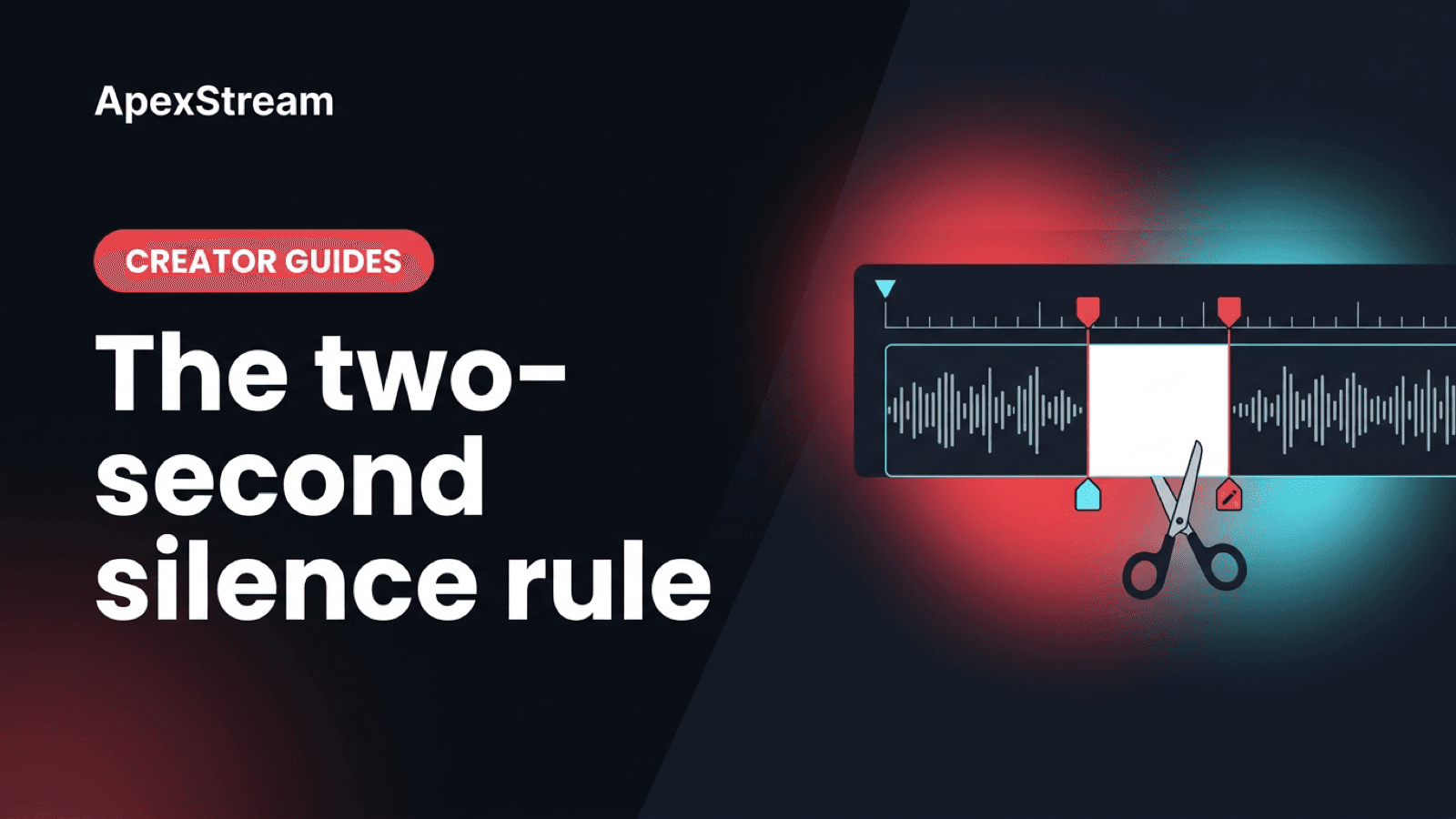
A pause can make an answer feel considered. It can also make a listener wonder whether the file stopped. The difference is not visible in a waveform. A half-second breath, a two-second thought, and seven seconds of someone searching for the right browser tab can all look like quiet space.
Shorten Silences is for the third kind: the gaps that no longer carry meaning. The practical rule is to treat two seconds as a review line, not an automatic delete command.
What Shorten Silences does
On Creator and above, open the episode in Podcast Studio’s Editor, open Magic Tools, and choose Shorten Silences. It uses the transcript-aligned edit model to shorten long gaps between words while trying to preserve natural breathing room. The edits apply immediately, so listen to the result before you publish.
That speed is useful on a long interview with pauses caused by live production: a guest waiting to unmute, a host checking a link, or a poll taking time to load. Those moments were part of the live room. They are often just delay in an audio feed.
Use two seconds as triage
Silence under a second is often structural. A multi-second gap deserves a closer listen. Around two seconds is where a thoughtful pause can begin to sound like an absent signal for someone who only has headphones and a progress bar.
Do not apply the rule without context. A guest may need three seconds to answer a difficult question. A comedian may need the audience’s imaginary space before the punchline. A serious interview may benefit from the silence after a hard claim. Ask what the gap is doing: showing thought, creating anticipation, or waiting for equipment?
Tight is not the same as breathless
A tight episode removes dead air while keeping the small pauses that separate ideas. A breathless episode removes those separators too. You will hear the difference as pressure: answers stack together, jokes lose their landing space, and disagreement sounds sharper than it did in the room.
If the conversation starts to feel like a continuous stream of words, restore some cuts. Keep the breath before a careful answer and the recovery after a laugh. A solo commentary can usually tolerate tighter pacing than a two-guest conversation, but there is no single house speed that fits every show.
A safer order of operations
- Cut structural material first: greetings, tech checks, and tangents that do not belong.
- Use Shorten Silences on what remains.
- Listen to the opening, the densest answer, and any emotionally important section.
- Restore pauses that now feel clipped or rushed.
Be careful when stacking silence shortening with filler removal and Studio Sound. Each pass changes the rhythm or texture. Evaluate the episode after each major action instead of running every Magic Tool because it is available.
Live-to-podcast context
A Web Studio recording can contain social pauses that work on camera but drag in RSS: waiting for a poll, asking someone to find a link, or checking whether a guest is back. Those are good candidates. A pause that made the live audience lean in is not.
Magic Tools also depend on the transcript map. If transcription missed a quiet but important exchange, review the region manually. The tool can identify length; it cannot know whether a silence was the point.
Shorten the silences that signal absence. Keep the ones that signal thought.
The two-second rule is a useful way to find suspects quickly. Your ears make the final decision about whether the episode still sounds like people talking, rather than people being pushed through an edit.