The 9:16 Flip: Vertical Became a First-Class Output
7cubit Team
More in Industry Insights
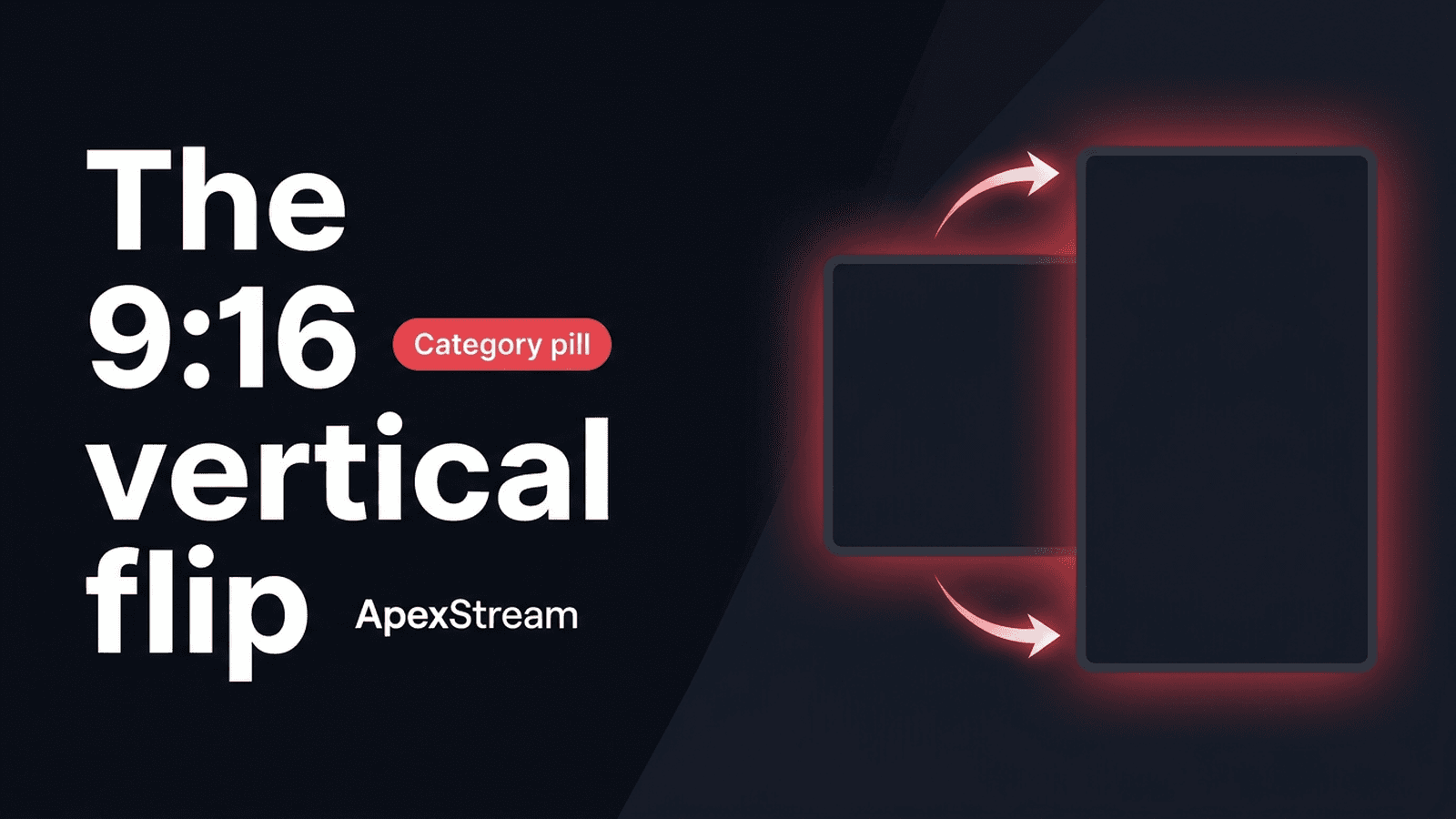
A landscape live show can be excellent on a monitor and still become a bad phone video after a center crop. Faces shrink, lower-thirds get cut, and two guests become a pair of tiny boxes. The problem is not that vertical video is difficult. It is that the frame was never designed for it.
Reels, Shorts, and TikTok made 9:16 a primary discovery format. For live producers, that means choosing whether the show itself should be portrait or whether the live stays landscape and the vertical work happens afterward.
Why “crop it later” is often the wrong plan
A 16:9 frame contains a lot of width that a 9:16 crop cannot keep. Cropping later can:
- Zoom into a small portion of a 1080p image and make it look soft.
- Cut off a lower-third, ticker, or logo that was placed for a wide canvas.
- Reduce a multi-guest conversation to faces too small to read.
Post-production cropping still has a place. It is useful when the main show belongs on YouTube or another landscape destination and the vertical asset is a short discovery clip. It is a weak substitute for a portrait layout when the live audience is watching on a phone.
Build the portrait frame before you go live
In Web Studio, switch to portrait through Scenes → Output. Once the canvas is 9:16, review the actual scene rather than assuming a landscape composition will rearrange itself.
Keep the host close enough to read on a narrow screen. Use stacked arrangements for two people. Make the lower-third large enough to survive a phone viewport, and leave room for the social app’s own controls near the bottom edge. A vertical frame rewards fewer, larger elements.
Portrait or landscape? Use the show’s job to decide
Choose portrait live when the audience is primarily on a vertical-first destination, the host or product should fill the screen, and the format does not depend on a wide screen share or a large panel.
Keep the live show landscape when YouTube or another wide destination is the primary room, when a screen share needs width, or when a multi-person layout is central to the program. Protect the crop with centered framing and enough headroom, then make vertical highlights after the show.
There is no requirement to run two complete productions. One show can have a landscape live master and a vertical discovery layer.
AI Clips use the vertical layer
On Creator, AI Clips provides 3 clips per stream. Scale and Enterprise provide unlimited clips. The generated highlight is a downloadable 9:16 MP4 with caption and layout options, which makes it suitable for a short-form discovery workflow.
Review the result before publishing. A good candidate moment can still crop badly if the speaker is at the edge of the frame or an important graphic sits underneath the caption. Download the MP4 and decide where it belongs; the workflow does not require automatic posting.
Graphics and sound need the same decision
Vertical viewers often encounter clips with sound off. Captions need to be readable without making the face disappear, and the opening image needs to explain the moment quickly. A long landscape ticker will not become a useful vertical graphic just because it is technically visible.
For a live portrait show, check the host-mic captions and Brand Kit text in the portrait canvas. For a landscape show that will produce clips, leave a safe center area and avoid placing the whole story in the far left or right of the frame.
Vertical is not a filter applied after production. It is a frame with its own decisions about distance, text, guest count, and where the viewer’s eyes will go.
A short pre-flight for 9:16
- Set Scenes → Output to Portrait before the first scene check.
- View the host and guests at phone size.
- Remove any lower-third or ticker that becomes too small or collides with the bottom controls.
- Run a short test if the destination is important.
- If the main show is landscape, mark two moments that could work as vertical clips.
The flip to 9:16 is a shift in composition, not a demand to abandon landscape. Decide where vertical belongs in the workflow, then build for that frame on purpose.