Vertical-first platforms are rewriting live formats
7cubit Team
More in Industry Insights
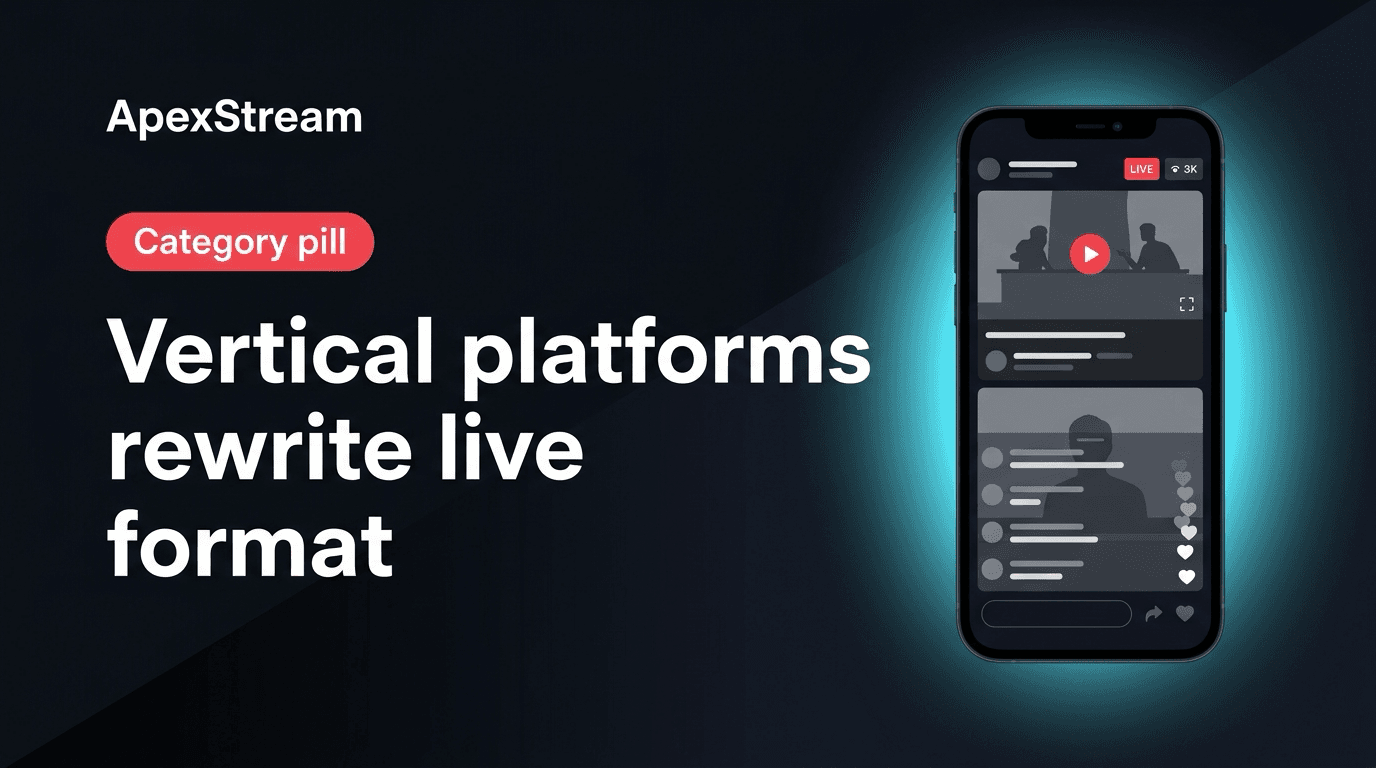
Landscape is still a good live format for a wide conversation, a screen share, or a YouTube-first show. It is not a neutral default anymore. On vertical-first platforms, the phone is the room: the face needs to be large, the text needs to survive a narrow frame, and a four-person grid can become unreadable.
You do not need two complete productions to respond. You do need to decide whether the live show, the post-live clips, or both should be designed for 9:16.
TikTok Live and YouTube start from different assumptions
YouTube Live can support a longer arc, a searchable title, a wide guest layout, and a screen share that assumes a landscape player. TikTok Live assumes a tall frame where one subject fills the screen and the viewer may discover the stream while scrolling.
That affects the rundown as well as the camera. A slow, wide opening may work on YouTube and lose a vertical viewer. A four-up panel may look organized in landscape and turn into four postage stamps on a phone. The same conversation can go to both places, but the framing should look intentional on each.
Adapt one show without doubling the crew
- Keep the host and key props inside a center-weighted safe area.
- Choose a guest count that remains readable in a tall frame.
- Use larger Brand Kit lower-thirds instead of tiny corner labels.
- Open on a face or clear action rather than a wide establishing shot.
- Make a screen demonstration large enough to read when it is cropped or resized.
In Web Studio, portrait output is under Scenes → Output. Turn it on before reviewing scenes, captions, overlays, and guest framing. Portrait is a composition choice, not a filter to remember after the show has already started.
When the live should stay landscape
Stay landscape when YouTube is the main archive, when the show depends on a wide screen share, or when a multi-guest conversation is the program. Leave enough headroom and keep the important action near the center so a later crop has a chance.
Then use the discovery layer. AI Clips on Creator provides 3 clips per stream; Scale and Enterprise provide unlimited clips. The output is a vertical 9:16 MP4 with captions and layout options. Download the clips and publish them to the vertical destinations where they fit.
This split is often more practical than running two switchers: landscape for the live conversation, vertical for the short invitation that brings new viewers to it.
Stream keys are part of the format
Vertical-first destinations can also bring more credential maintenance. TikTok and similar destinations may require a fresh key more often than a long-lived YouTube connection. Before the show, fetch the current key, update or re-add the destination under Integrations, and confirm the toggle under Your Channels.
Plan limits still apply: Free supports 2 destinations, Hobby 3, Creator 5, Scale 8, and Enterprise 50. Choose the vertical rooms you can check rather than adding every platform that accepts a tall frame.
Change a few habits in the rundown
- Open with the host, guest, or product—not a distant set shot.
- Hold graphics long enough to read on a small screen.
- Use a simple scene when the speaker’s face is the point.
- Make a poll prompt large if it needs to be visible in the program.
- Test the final aspect ratio on a phone before a high-stakes show.
Vertical-first platforms did not eliminate landscape live. They made accidental framing expensive. Choose the output, protect the safe area, and let one show produce the right version for each job.
The production does not need to become twice as complicated. It needs to stop treating 9:16 as something the phone will fix for you.