Watermarks, Plans, and the Honest Upgrade Path
7cubit Team
More in Creator Guides
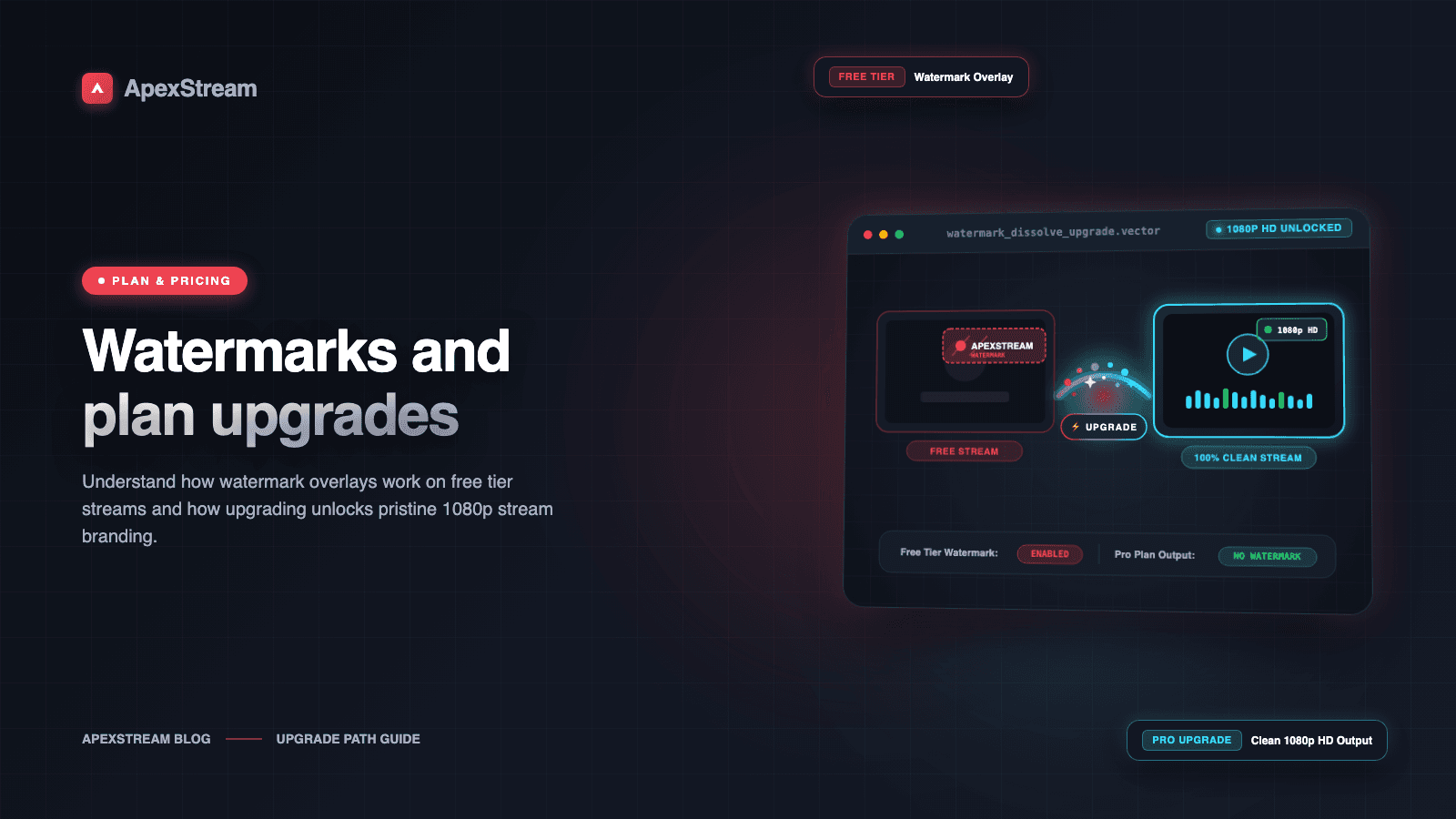
The right time to upgrade is not when a pricing page makes you feel behind. It is when a limitation creates work your show now does every week.
ApexStream’s plan differences are easiest to understand as production tradeoffs: how long you stream, whether you need a clean feed, whether you need a recording, how many destinations and guests you manage, and whether chat or podcast post-production is part of the workflow. Free is $0. Hobby is $25/month. Creator is $60/month. Scale is $199/month. Enterprise is custom pricing.
What Free is good at
Free is a usable starting plan, not a countdown to a forced trial. It includes Web Studio, up to 5 on-screen participants, mandatory noise suppression, custom brand overlays, host-mic captions in S/M/L sizes, and simultaneous streaming to 2 destinations.
The tradeoffs are straightforward:
- A broadcast can run for up to 2 hours.
- Output is 720p.
- The feed carries an ApexStream corner watermark.
- Cloud recording is disabled.
That is a reasonable fit for a new weekly show, a short Q&A, or a test of whether your audience actually shows up. If the destinations you use archive the live video and the watermark does not bother your audience, you may not need to move up yet.
What Hobby changes first
Hobby’s most visible change is the removal of the watermark. That matters when the stream represents a client, a sponsor, or a brand that needs the video to look like its own from the first frame.
The less visible changes are often more valuable:
- Recording: 25GB of cloud storage with a 15-day retention window in Flight Log.
- Resolution: up to 1080p for RTMP/RTMPS encoder ingest; Web Studio output remains up to 720p.
- Room to run: up to 6 hours per broadcast, 10 studio participants, and 3 simultaneous destinations.
- Conversation: Unified chat for YouTube, Facebook Profiles and Pages, and Twitch, including two-way replies.
- Post-production: the bridge from Web Studio recordings into Podcast Studio.
- Diagnostics: stream-health charts for bitrate, FPS, and dropped frames.
Hobby is the sensible first upgrade when the show has become a repeatable production rather than an experiment. The important question is not whether every feature sounds useful. It is whether one of these removes a weekly workaround.
A quick decision guide
- Keep Free if 2 hours is enough, 720p is acceptable, you can live with the watermark, and you do not need a recording inside ApexStream.
- Choose Hobby if the watermark must go, you need cloud recordings, you want 1080p from an external encoder, or separate chat windows are making the show harder to host.
- Look at Creator when the production needs 100GB of cloud storage, 5 destinations, up to 8 hours, local camera recording, 4K RTMP streaming, SRT or WHIP ingest, Studio Sound, or 3 AI Clips per stream.
- Look at Scale when 500GB and 30-day retention, 8 destinations, up to 10 hours, ISO guest tracks, unlimited AI Clips, Pro Audio included, or Schedule Replay are part of the job.
- Talk to Enterprise when custom provisioning, up to 50 destinations, up to 10TB of storage, 365-day retention, or continuous 24-hour sessions are the actual requirement.
Three upgrade triggers worth trusting
The brand trigger: if a watermark makes a sponsor or client question the finished program, Hobby solves a concrete presentation problem.
The archive trigger: if you are downloading recordings from destinations, losing the source, or trying to turn a live show into a podcast without a reliable master, cloud recording and the Podcast Studio bridge can repay the monthly cost in saved time.
The hosting trigger: if managing YouTube, Facebook, and Twitch chats causes you to miss questions, Unified chat is more than a convenience. It changes what one host can realistically monitor.
An upgrade should buy back time or remove a limitation you have already met. It should not be a reward for feeling ambitious.
Do not pay for a future version of your show
A plan that is too small creates work. A plan that is too large creates a different kind of waste: you pay for capacity the format has not earned. Start with the shortest stream that satisfies the audience, the fewest destinations you can staff, and the recording policy you can actually maintain.
If that is Free, use Free. When a clean feed, cloud archive, unified chat, or longer show becomes part of the weekly workflow, Hobby is the first upgrade to evaluate. Move higher only when the storage, protocol, production, or retention requirement is already visible in your calendar.
Upgrade by the problem you actually have
| If you need… | Start by evaluating… | Why |
|---|---|---|
| A clean branded feed and cloud recording | Hobby | Removes the watermark and adds cloud recording |
| Local recording, more destinations, or AI Clips | Creator | Adds local capture, five destinations, and three AI Clips per stream |
| ISO tracks, longer retention, or portrait relay work | Scale | Adds those higher-capacity production paths |
| Custom capacity, 365-day retention, or 24-hour sessions | Enterprise | Moves the limits into a custom agreement |