What actually happens when you exceed your plan's bitrate
7cubit Team
More in Engineering
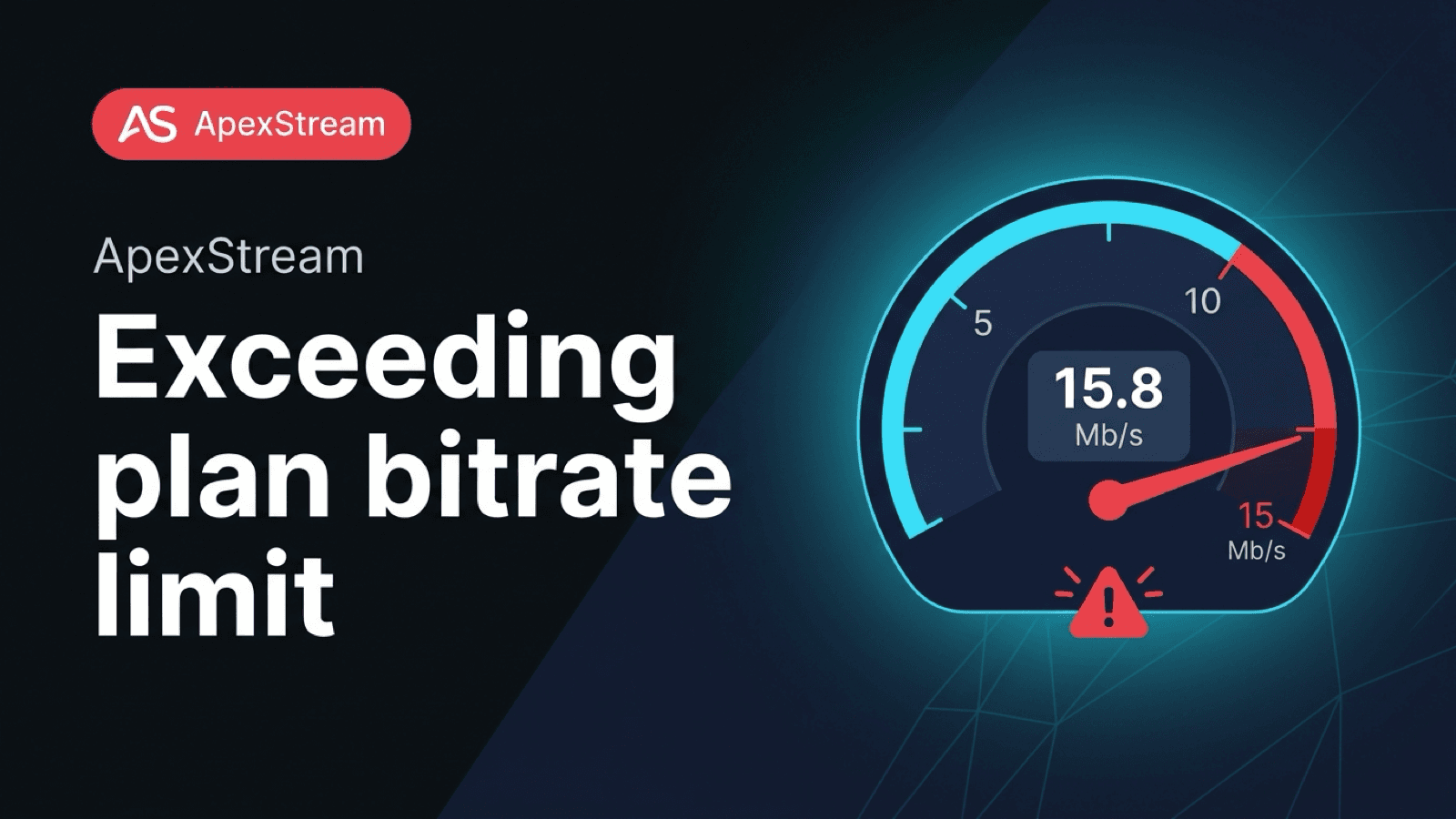
A plan bitrate limit is a real ingest limit, not a recommendation. ApexStream gives a new session a short window to settle, then checks the source that is actually arriving. If the stream is above the tier's bitrate or resolution allowance, the source-quality enforcer stops the publisher and explains why.
That behavior is deliberately visible. Quietly lowering a source would leave your encoder reporting one thing while the audience watched another. A clear stop gives you a setting to change.
The limits the source has to fit
- Free: 3,000 kbps and 720p maximum, with watermarking
- Hobby: 6,000 kbps and 1080p maximum; Web Studio remains 720p
- Creator: 9,000 kbps and 4K ingest; Web Studio remains 1080p
- Scale: 15,000 kbps
- Enterprise: 50,000 kbps
Both dimensions and bitrate count. A Hobby source at 4K can fail even if its bitrate is modest. A Free source at 1080p can fail even if it stays below 3,000 kbps. Resolution is checked as resolution; it is not inferred from the bitrate.
Why there is a six-second grace period
The enforcer does not reject the first packet. Encoders need time to emit a keyframe and parameter data, and a meter needs a few seconds of real media before it is useful. After six seconds, ApexStream runs a probe against the same readable path the relay uses.
Variable-bitrate sources get 10% slack for normal short spikes. Resolution has no equivalent cushion: 1080p is not approximately 720p. The check runs once for the primary source-quality gate. If the measured source is outside the tier, the publisher is disconnected and reconnect attempts are blocked for two minutes with a readable reason. That pause prevents OBS from repeatedly reconnecting to a configuration that cannot pass.
If the probe itself fails or the path is briefly unreachable, the enforcer fails open and records a warning. A probe timeout should not falsely kick a customer. Outbound relay clamps are still available for destination-specific limits after a source is accepted.
Why stopping is better than silently degrading
Silent degradation creates three practical problems. First, your encoder still reports the original bitrate, so your settings and your recording history no longer describe what the audience received. Second, support cannot tell whether a soft image came from a platform or from an invisible server-side rewrite. Third, it hides the reason to choose a plan that actually supports your source.
If you need 4K ingest and a higher bitrate, use the tier that allows it. If your show fits 1080p at 6 Mbps, Hobby is the honest target. The product should not accept an out-of-plan source and quietly make it look like it did.
That is why a source can remain connected after a temporary probe warning but still encounter a destination-specific clamp later. The two checks answer different questions: “Can ApexStream measure the source right now?” and “What rate can this particular platform receive?” Do not treat a Facebook cap or a transient probe warning as a change to the plan's ingest limit.
Where this check sits in the stream
- Ingest authentication checks the key and whether the protocol is allowed for the tier. SRT and WHIP require Creator or above.
- The source-quality enforcer checks the real bitrate and dimensions after the grace period.
- Relay rules shape outbound copies for platform ceilings and destination formats.
- Free's output path applies its 720p and watermark requirements.
The source check is different from a Facebook cap. Your plan may allow a 12 Mbps source while Facebook still needs a much lower outbound copy. One rule protects the account's ingest budget; the other protects a particular destination.
If the stream is stopped
Read the reason, adjust the encoder once, and wait for the two-minute reconnect block to clear. Set the bitrate below your tier's ceiling, choose a permitted resolution, and start again. Avoid repeatedly pressing reconnect while the source settings are unchanged.
For variable bitrate encoding, leave room below the ceiling rather than aiming directly at it. The enforcer allows 10% VBR slack, but a source that lives on the boundary has less room for normal spikes. Resolution has no such buffer, so set the canvas deliberately before testing the bitrate.
The honest response to an out-of-plan source is a stop with a reason, not a hidden rewrite of the show.
Six seconds of grace gives a valid encoder time to settle. After that, the source needs to match the plan you selected.
Frequently asked questions
Can a higher bitrate make a lower plan behave like a higher plan?
No. The plan ceiling still applies to the incoming source. Set a stable CBR value below the ceiling and leave room for audio and overhead.
What should I check first?
Check the encoder's total bitrate, the ApexStream stream-health view when available, and whether the problem appears only during complex motion or screen sharing.