Why Web Studio won't let you go live without noise suppression
7cubit Team
More in Engineering
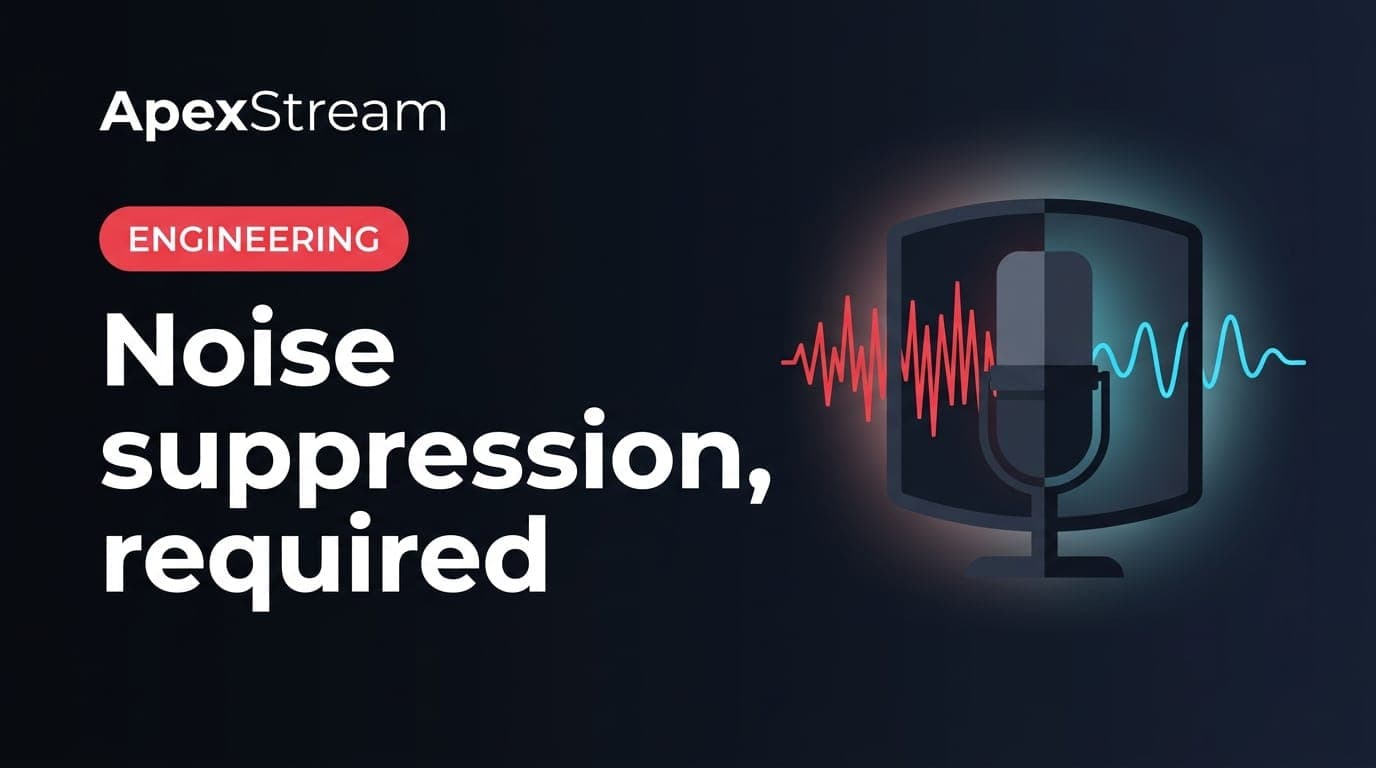
If the Go Live button refuses to start, check the microphone path before you check the destinations. In Web Studio, noise suppression is a requirement for publishing, not an optional polish setting. If the suppressor failed to load or stopped processing, the broadcast stays offline and Web Studio shows an error.
That can feel inconvenient when you are already on the clock. It is also easier to fix before one noisy microphone reaches every connected platform and the recording. A warning that can be dismissed is easy to ignore during a rushed setup. The hard gate makes the failure visible while there is still time to reload the studio or change browsers.
What Web Studio is checking
The host microphone runs through RNNoise, a real-time suppressor loaded as a WASM AudioWorklet inside the Web Studio audio graph. This is separate from the browser's own noise-suppression switch. The host capture path keeps browser DSP off so the studio has one predictable processing chain.
RNNoise is aimed at steady background noise: HVAC, laptop fans, a refrigerator hum, distant keyboard noise, and room tone under speech. It will not turn a bad microphone into a good one, remove echo from speakers, or make a guest across the room sound close. It lowers the noise floor so the voice has a quieter place to sit.
Guests process their own microphone audio before it reaches the mesh. The host path does not run guest channels through RNNoise again. Double processing is a quick way to make voices sound metallic or underwater.
Why Go Live can fail before the broadcast starts
Before Web Studio opens the WHIP uplink, it checks that a suppressed stream object exists and that suppression is actively processing. A checked box is not enough. If the WASM worklet did not load, the processor fell back to raw audio, or initialization never completed, publishing is cancelled.
The same check applies when you choose Start in record-only mode. Cloud recording is available on Hobby and above; Free cannot record. Regardless of plan, Web Studio will not create a live or recorded session with an unsuppressed host microphone. The button becomes available again after the error so you can correct the setup instead of getting stuck in a half-started session.
What to do when the gate blocks you
- Read the error rather than repeatedly clicking Go Live.
- Reload Web Studio so the audio worklet can initialize from a clean page.
- If it still fails, try a different supported browser and confirm the microphone permission.
- Test the mic in the pre-flight area before reconnecting destinations or guests.
If the problem persists after a reload and browser change, treat it as an audio-path problem to resolve before the show. Repeated retries do not make a missing processor appear.
Why the requirement applies to every plan
Noise suppression is not a premium effect. Free, Hobby, Creator, Scale, and Enterprise all use the same publish gate. A clean host signal is the minimum quality bar because one source can fan out to several destinations. Free can send to two destinations, Creator to five, and Scale to eight. The more places a noisy feed reaches, the more copies of the problem you have to explain later.
Echo cancellation is a different job. Hosts keep browser echo cancellation off so the studio audio graph stays consistent. Guests get echo cancellation because laptop speakers can create a feedback loop. Headphones are still the right fix when a guest is hearing the show through speakers.
A hard gate is kinder than a late surprise
Browser audio can fail after a tab restore, a failed fetch of the WASM file, or a browser change. A soft warning would let that session go live on a raw microphone and leave you to discover the problem from chat. The gate stops the session at the cheapest point: before recording, fan-out, and platform archives are affected.
If suppression is not running, you are not ready to publish. Reloading once is cheaper than discovering at minute twenty that the HVAC has been part of every sentence.
When the processor is healthy, you should barely notice this rule. When it is not, the rule gives you a clear next step and keeps a known audio failure from becoming the show's permanent soundtrack.
Frequently asked questions
Is noise suppression the same as echo cancellation?
No. Noise suppression lowers steady background noise; echo cancellation helps prevent speaker audio from feeding back into a microphone. Headphones are still the simplest echo fix.
What should I try when Go Live is blocked?
Reload Web Studio, confirm microphone permission, and test again in a supported browser. Repeated clicks do not repair an audio processor that failed to load.